Handleiding Brother PE-Design Plus

Handleiding voor je Brother PE-Design Plus nodig? Hieronder kun je de handleiding gratis bekijken en downloaden als PDF in het Nederlands en/of Engels. Dit product heeft 0 veelgestelde vragen, 0 comments en heeft 0 stemmen. Is dit niet de handleiding die je zoekt, neem dan contact met ons op.

Is je product kapot en biedt de handleiding geen oplossing meer? Dan kun je voor reparatie gratis terecht bij Repair Café.

Handleiding

Loading…
1
Read the following before opening the
CD-ROM package
Thank you for purchasing this software. Before opening the CD-ROM package for this software, carefully read
the following Product Agreement, which has been provided for this product. Use this software only if you agree
to the terms of this agreement. By opening the CD-ROM package, you agree to the conditions of its use. This
product cannot be returned after it has been opened.
Product Agreement
Portions of this product were created using technology from Softfoundry International Pte. Ltd.
Opening the Operation Manual (PDF format)
This manual is provided in a PDF format on the enclosed CD-ROM. The Operation Manual is also installed
during software installation.
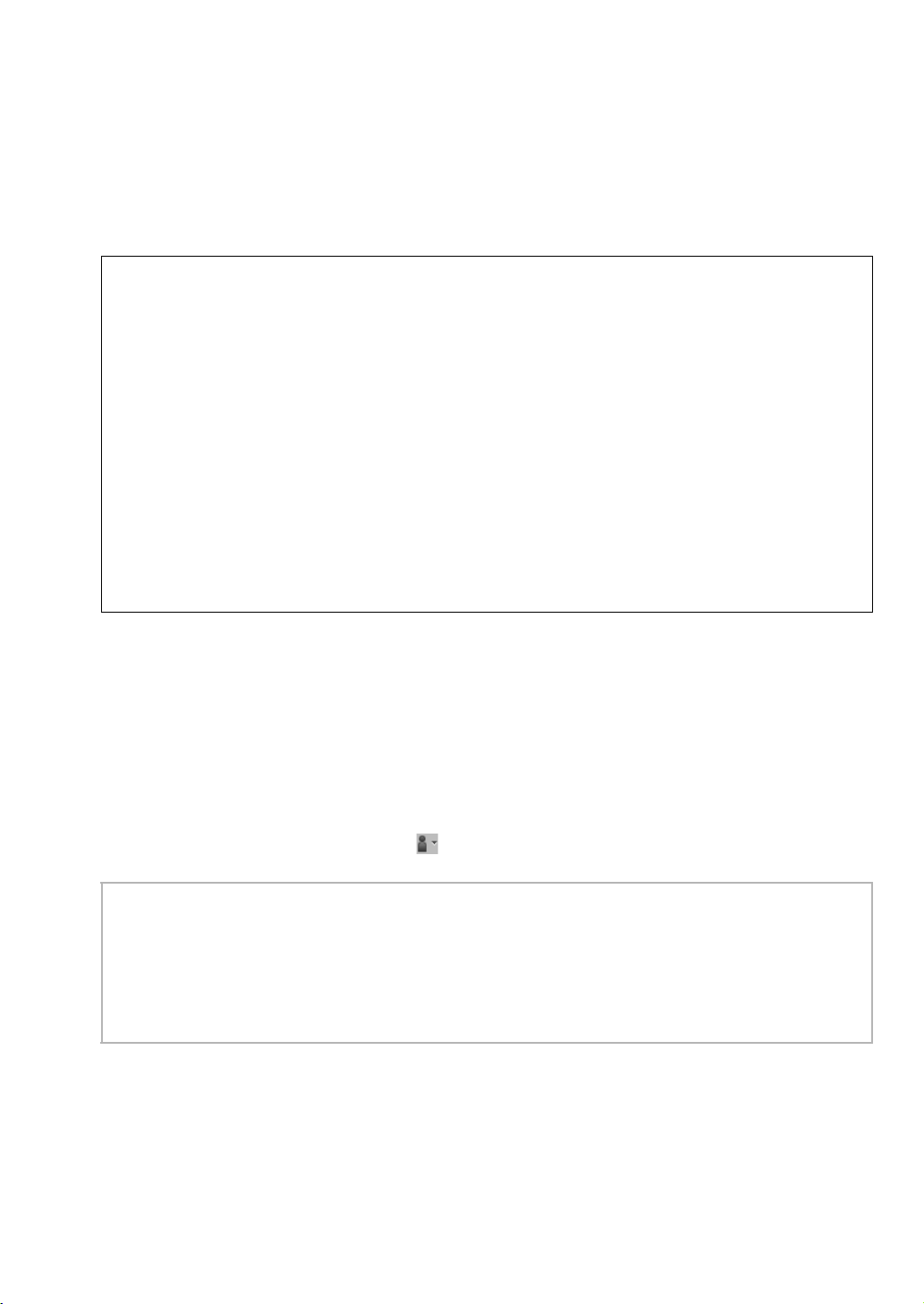
Click All Programs, then PE-DESIGN PLUS, then Operation Manual.
Otherwise, with PE-DESIGN PLUS, click , then Operation Manual. With PES-Writer, click Help, then
Operation Manual.
1) General terms
This is an agreement between you (the end-user) and our company for this product.
2) Use of this product
You may install and use this product on only one computer.
3) Limitations on duplications
You may not duplicate this product, except for backup purposes.
4) Limitations on modifications
You may not modify or disassemble this product in any way.
5) Limitations on transfer
This software may not be transferred to or used in any other way by a third party.
6) Warranty
We accept no responsibility for your choice or use of this product or for any damages that may arise
out of its use.
7) Others
This product is protected by copyright laws.
b Memo:
Adobe
®
Reader
®
is required for viewing and printing the PDF version of the Operation Manual
If Adobe
®
Reader
®
is not on your computer, it must be installed. It can be downloaded from the Adobe
Systems Incorporated Web site (http://www.adobe.com/).
The procedures in this manual are written for use in Windows
®
7. If this software is used on an operating
system other than Windows
®
7, the procedures and appearance of the windows may differ slightly.
Information.fm Page 1 Wednesday, July 6, 2011 3:34 PM
Download de handleiding in het Nederlands en/of Engels (PDF, 11.83 MB)
(Denk aan het milieu en print deze handleiding alleen als dat echt noodzakelijk is)

Loading…

Meer over deze handleiding

We begrijpen dat het prettig is om een papieren handleiding te hebben voor je Brother PE-Design Plus. Je kunt de handleiding bij ons altijd downloaden en daarna zelf printen. Indien je graag een originele handleiding wilt hebben, raden we je aan contact op te nemen met Brother. Zij kunnen wellicht nog voorzien in een originele handleiding. Zoek je de handleiding van Brother PE-Design Plus in een andere taal? Kies op de homepage je taal naar keuze en zoek daarna op het modelnummer om te zien of we deze beschikbaar hebben.

Specificaties

Merk Brother
Model PE-Design Plus
Categorie Software
Bestandstype PDF
Bestandsgrootte 11.83 MB

Alle handleidingen voor Brother Software
Meer handleidingen voor Software

Beoordeling

Laat ons weten wat je van de Brother PE-Design Plus vindt door een beoordeling achter te laten. Wil je je ervaringen met dit product delen of een vraag stellen? Laat dan een bericht achter onderaan de pagina.
Bent u tevreden over de Brother PE-Design Plus?
Ja Nee
Beoordeel dit product als eerste
0 stemmen

Praat mee over dit product

Laat hier weten wat jij vindt van de Brother PE-Design Plus. Als je een vraag hebt, lees dan eerst zorgvuldig de handleiding door. Een handleiding aanvragen kan via ons contactformulier.

Handleiding Brother PE-Design Plus

Gerelateerde producten

Gerelateerde categorieën

×
Download