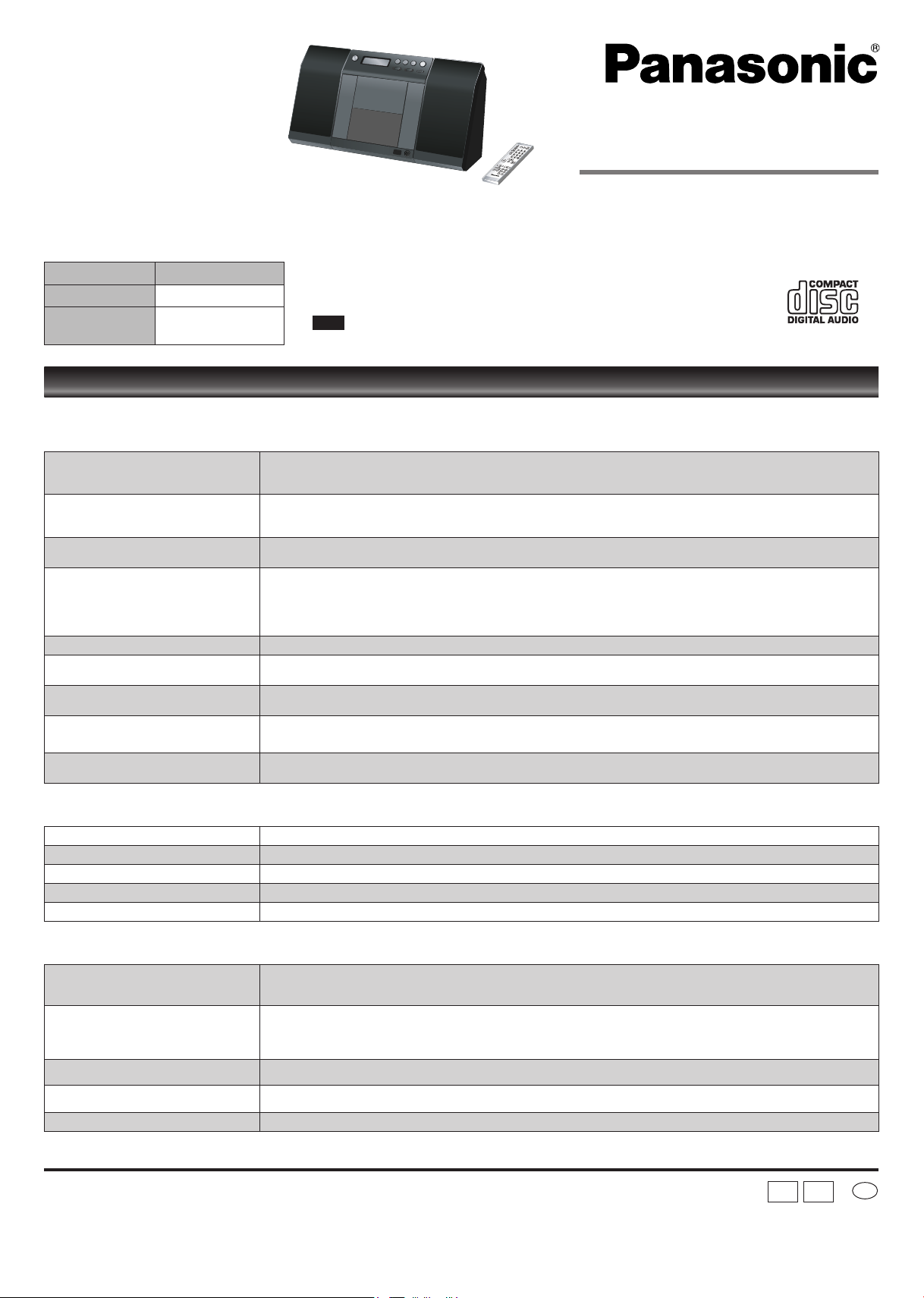
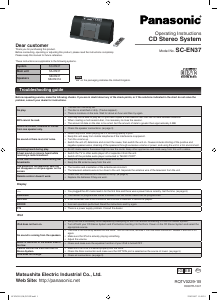
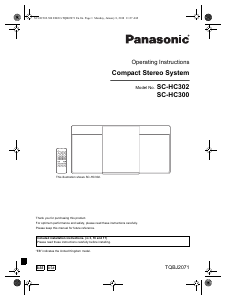
Operating Instructions
CD Stereo System
Model No. SC-EN37
Dear customer
Thank you for purchasing this product.
Before connecting, operating or adjusting this product, please read the instructions completely.
Please keep this manual for future reference.
System SC-EN37
Main unit SA-EN37
Speakers
SB-EN37
SB-EN37A
Matsushita Electric Industrial Co., Ltd.
Web Site: http://panasonic.net
RQTV0229-1B
H0307FL1047
En
EG EB
These instructions are applicable to the following systems.
Before requesting service, make the following checks. If you are in doubt about any of the check points, or if the solutions indicated in the chart do not solve the
problem, consult your dealer for instructions.
No play.
The disc isn’t correctly set.
The disc is scratched or dirty. (Tracks skipped.)
There is moisture on the lens. Wait for about an hour and then try again.
•
•
•
MP3 cannot be read.
You may not be able to play MP3 if you have copied a multi-session disc that has no data between sessions.
When creating a multi session disc, it is necessary to close the session.
The amount of data on the disc is too small. Set the amount of data to greater than approximately 5 MB.
•
•
•
Sound is unfixed, reversed or comes
from one speaker only.
Check the speaker connections. (➡ page 3)•
No sound or there is a lot of noise.
Noise may occur when playing MP3 if recording quality is poor.
Keep this unit away from mobile telephones if the interference is apparent.
Turn the volume up.
Switch the unit off, determine and correct the cause, then switch the unit on. Causes include shorting of the positive and
negative speaker wires, straining of the speakers through excessive volume or power, and using the unit in a hot environment.
•
•
•
•
Humming heard during play. An AC mains lead or fluorescent light is near the cords. Keep other appliances and cords away from this unit’s cables.•
A beat sound or noise is heard while
receiving a radio broadcast.
Switch the TV or other audio player off or separate it from the unit.
Switch off the portable audio player connected to “MUSIC PORT”.
•
•
A low hum or noise is heard during AM
broadcasts.
Keep the antenna away from other cables and cords.
Keep the AM antenna away from the unit.
•
•
The picture on the television near the
set disappears or stripes appear on the
screen.
The location and orientation of the antenna are incorrect.
The television antenna wire is too close to the unit. Separate the antenna wire of the television from the unit.
•
•
Remote control doesn’t work.
Check that the batteries are inserted correctly. (➡ page 2)
Replace the batteries if they are worn.
•
•
Display
--:--
You plugged the AC mains lead in for the first time and there was a power failure recently. Set the time. (
➡ page 6)•
PGM FULL The number of programmed tracks is limited to 24. No further tracks can be programmed.•
NO PLAY A CD-ROM disc that is not CD-DA or MP3 format is inserted. It cannot be played.•
ERROR Incorrect operation performed. Read the instructions and try again.•
F76 There is a power supply problem. Consult the dealer.•
iPod
iPod does not turn on.
Verify that the iPod battery is not depleted by attempting to turn it on without connecting it to the CD Stereo System.
Turn off both your CD Stereo System and iPod before inserting it to the Dock. Power on the CD Stereo System and select the
appropriate source.
•
•
No sound is coming from the speakers.
The iPod is not correctly seated into the Dock. Turn off the iPod, remove it from the Dock connector. Reseat it and turn it on
again.
Make sure that iPod is actually playing something.
Adjust the volume.
•
•
•
Music is distorted or the sound level is
too low.
Check and make sure the equalizer function of your iPod is turned OFF .•
Cannot control the iPod from the CD
Stereo System.
Make sure the iPod is inserted properly into the Dock.
Check the Dock connection and make sure that OPTION port is selected as the source of music. (➡ page 5)
•
•
iPod does not charge.
Check all connections. (➡ page 3)•
Troubleshooting guide
“EB” on the packaging indicates the United Kingdom.
Note
SC-EN35 E,GN,GCS PP.indd 1 22/03/2007 15:50:39


Praat mee over dit product
Laat hier weten wat jij vindt van de Panasonic SC-EN37 Stereoset. Als je een vraag hebt, lees dan eerst zorgvuldig de handleiding door. Een handleiding aanvragen kan via ons contactformulier.