Handleiding Goodram IRDM M2AA A2 SD Kaart

Handleiding voor je Goodram IRDM M2AA A2 SD Kaart nodig? Hieronder kun je de handleiding gratis bekijken en downloaden als PDF in het Nederlands en/of Engels. Dit product heeft 4 veelgestelde vragen, 0 comments en heeft 0 stemmen. Is dit niet de handleiding die je zoekt, neem dan contact met ons op.

Is je product kapot en biedt de handleiding geen oplossing meer? Dan kun je voor reparatie gratis terecht bij Repair Café.

Handleiding

Loading…
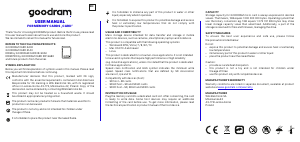
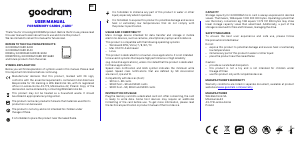
CAPACITY
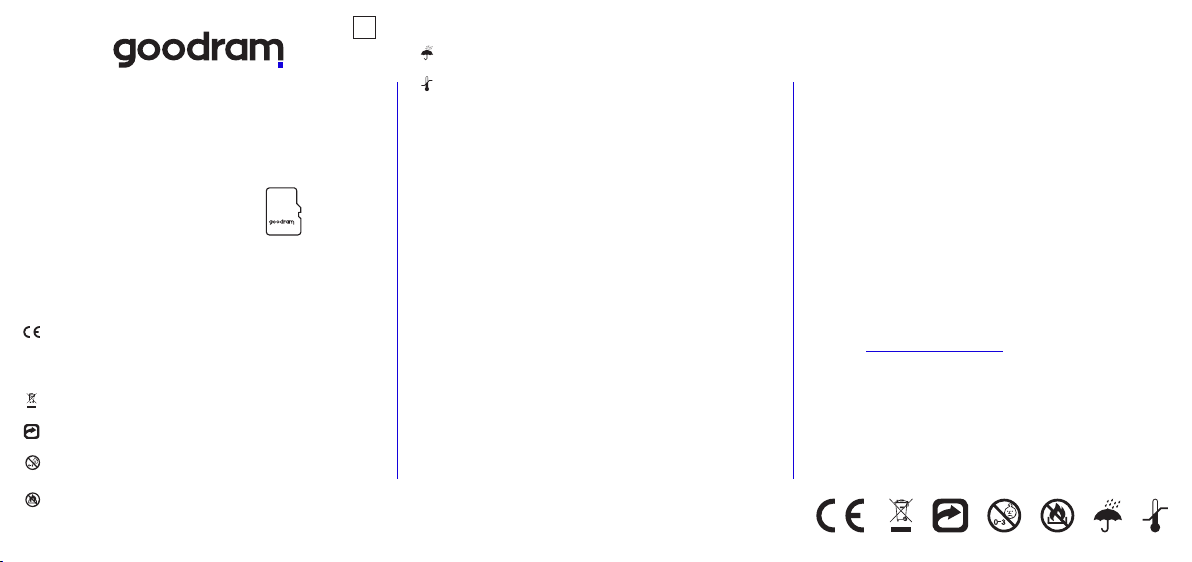
Storage capacity for GOODRAM micro card is always expressed in decimal
values. That means, 1GB equals 1 000 000 000 bytes. Operating system that
use the binary conversion eg. 1GB equals 1 073 741 824 bytes may show
lower storage capacity value than advertised. Additionally, a part
of the storage is reserved for files and firmware, managing the drive.
Poland
Mikolowska 42
43-173 Laziska Gorne
Warranty conditions are listed in separate document, available at product
website at www.goodram.com/warranty
MANUFACTURER
MANUFACTURER'S WARRANTY
ź provide accurate heat dissipation
Wilk Elektronik SA
ź this product is not a toy and is not intended for children under
the age of three
ź use this product only with compatible devices
Caution:
ź expose this product to potential damage and excess heat or extremely
low temperatures
SAFETY MEASURES
ź place the product near the naked flame
To ensure the best user experience and safe use, please follow the
precautions listed below:
Do not:
ź immerse any part of this product in water or other liquid
Plug the memory card into a dedicated micro card slot. To use micro card
in a device with standard card slot only, please use the attached adapter
(if there is any). After connecting, the card is ready to write data. Some host
devices may require an additional formatting of the card before use.
To get more information, please read the technical specification or product
manual of the host device.
to be used in systems that require high performance or high reliability
ź Linux
This product is compatible with the following operating systems:
(e.g. industrial applications), unless it is stated that the product is dedicated
ź Windows® XP® / Vista / 7 / 8 / 8.1 / 10
ź Mac OS X 10.4 and newer
This product is dedicated for consumer-class applications. It is not intended
It is forbidden to expose this product to potential damage and excess
heat or extremely low temperatures that do not comply with
the product specification.
Mass storage device intended for data transfer and storage in mobile
electronic devices, such as cameras, smartphones, laptops and notebook.
It is forbidden to immerse any part of this product in water or other
liquid, especially when it operates.
USAGE AND COMPATIBILITY
INSTRUCTION OF USAGE
for these applications.
Speed class notification and UHS symbol indicates the minimum write
speed. Speed class notifications that are defined by SD Association
are class 2, 4, 6 and 10.
Compatibility with devices (host):
ź SD host SD cards
ź SDHC host SD and SDHC cards
ź SDXC host SD, SDHC and SDXC cards
EN
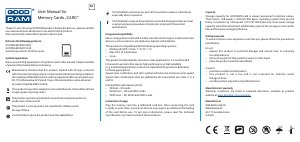
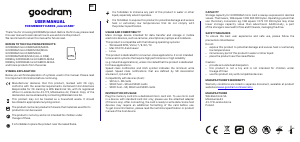
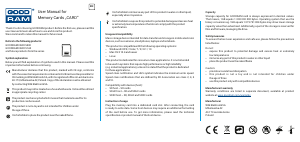
USER MANUAL
FOR MEMORY CARDS „microCARD”
Thank You for choosing GOODRAM product. Before the first use, please read
this user manual to learn about how to use and store this product.
We recommend to retain this manual for future read.
GOODRAM microCARD M400/M40A
REFERS TO THE FOLLOWING PRODUCTS:
GOODRAM microCARD M1A0/M1AA
Manufacturer declares that this product, marked with CE sign,
conforms with the essential requirements contained in EU directives
Responsible for CE marking is Wilk Elektronik SA, with its registered
office in Laziska Gorne 43-173, Mikolowska 42, Poland. Copy of the
declaration can be obtained by contacting Wilk Elektronik SA.
production can be reused.
The product is not a toy and is not intended for children under
the age of three.
The product can be recycled which means that materials used for its
This product may not be treated as a household waste. It should
be utilized in appropriate recycling center.
SYMBOL EXPLANATION
Below you will find explanation of symbols used in this manual. Please read
this important information before continuing.
and future products from the series
IRDM by GOODRAM microCARD IR-M2AA
IRDM by GOODRAM microCARD IR-M3AA
GOODRAM microCARD M3AA
GOODRAM M404/M1A4 (ALL in ONE)
It is forbidden to place the product near the naked flame.
Download de handleiding in het Nederlands en/of Engels (PDF, 1.56 MB)
(Denk aan het milieu en print deze handleiding alleen als dat echt noodzakelijk is)

Loading…

Meer over deze handleiding

We begrijpen dat het prettig is om een papieren handleiding te hebben voor je Goodram IRDM M2AA A2 SD Kaart. Je kunt de handleiding bij ons altijd downloaden en daarna zelf printen. Indien je graag een originele handleiding wilt hebben, raden we je aan contact op te nemen met Goodram. Zij kunnen wellicht nog voorzien in een originele handleiding. Zoek je de handleiding van Goodram IRDM M2AA A2 SD Kaart in een andere taal? Kies op de homepage je taal naar keuze en zoek daarna op het modelnummer om te zien of we deze beschikbaar hebben.

Specificaties

Merk Goodram
Model IRDM M2AA A2
Categorie SD Kaarten
Bestandstype PDF
Bestandsgrootte 1.56 MB

Alle handleidingen voor Goodram SD Kaarten
Meer handleidingen voor SD Kaarten

Veelgestelde vragen over Goodram IRDM M2AA A2 SD Kaart

Ons supportteam zoekt dagelijks naar nuttige productinformatie en antwoorden op veelgestelde vragen. Als er onverhoopt toch een onjuistheid tussen onze veelgestelde vragen staat, laat het ons dan weten via het contactformulier.

Ik kan geen bestanden toevoegen aan mijn SD kaart, hoe komt dat? Geverifieerd

Standaard SD kaarten hebben een vergrendelingsschakelaar aan de linkerkant van de kaart. Als de vergrendeling is ingeschakeld, is het onmogelijk om bestanden op de kaart toe te voegen of te wissen. Schakel het slot uit om volledige toegang tot de kaart te krijgen.

Ik vind dit nuttig (8) Lees meer

Hoeveel zijn kilobyte, megabyte, gigabyte en terabyte? Geverifieerd

Een kilobyte (KB) bestaat uit 1000 bytes. 1 megabyte (MB) = 1000 kilobyte. 1 gigabyte (GB) = 1000 megabyte. 1 terabyte (TB) = 1000 gigabyte.

Ik vind dit nuttig (3) Lees meer

Waar staat SD voor? Geverifieerd

SD staat voor Secure Digital. SD kaarten zijn het standaard opslagmedium voor veel digitale camera's.

Ik vind dit nuttig (3) Lees meer

Mijn SD kaart past niet in de lezer, hoe komt dat? Geverifieerd

Er zijn verschillende formaten SD kaarten, standaard SD, miniSD en microSD. Er zijn adapters om de kleinere SD kaarten in de gewone SD lezers te laten passen.

Ik vind dit nuttig (2) Lees meer

Beoordeling

Laat ons weten wat je van de Goodram IRDM M2AA A2 SD Kaart vindt door een beoordeling achter te laten. Wil je je ervaringen met dit product delen of een vraag stellen? Laat dan een bericht achter onderaan de pagina.
Bent u tevreden over de Goodram IRDM M2AA A2 SD Kaart?
Ja Nee
Beoordeel dit product als eerste
0 stemmen

Praat mee over dit product

Laat hier weten wat jij vindt van de Goodram IRDM M2AA A2 SD Kaart. Als je een vraag hebt, lees dan eerst zorgvuldig de handleiding door. Een handleiding aanvragen kan via ons contactformulier.

Handleiding Goodram IRDM M2AA A2 SD Kaart

Gerelateerde producten

Gerelateerde categorieën

×
Download